How You GameGaming Decision IntelligenceMatch My Setup

Build the gaming setup that fits how you actually play.

Mini-Match

What do you play?
Game
What do you play it on?
Platform
AgeHow old is it?
What feels wrong?Symptom

What do you play?

Turn the knob, or tap your game.

Preview rules, version 0.1
Match My Setup

Tell us what you play, what you own, what feels wrong, and what you want to spend. How You Game tells you what to change, what to buy, and when to buy nothing.

Browse by Game
Gaming gear laid out in a grid on light grey with an orange cable.

Player-first recommendations. Clear methodology. Buying links only when buying is the right move.

Start with the game, not the gear

Every answer begins with what you actually play. A shooter chasing 240 fps and a flight sim holding a steady 40 need completely different things.

Browse by Game
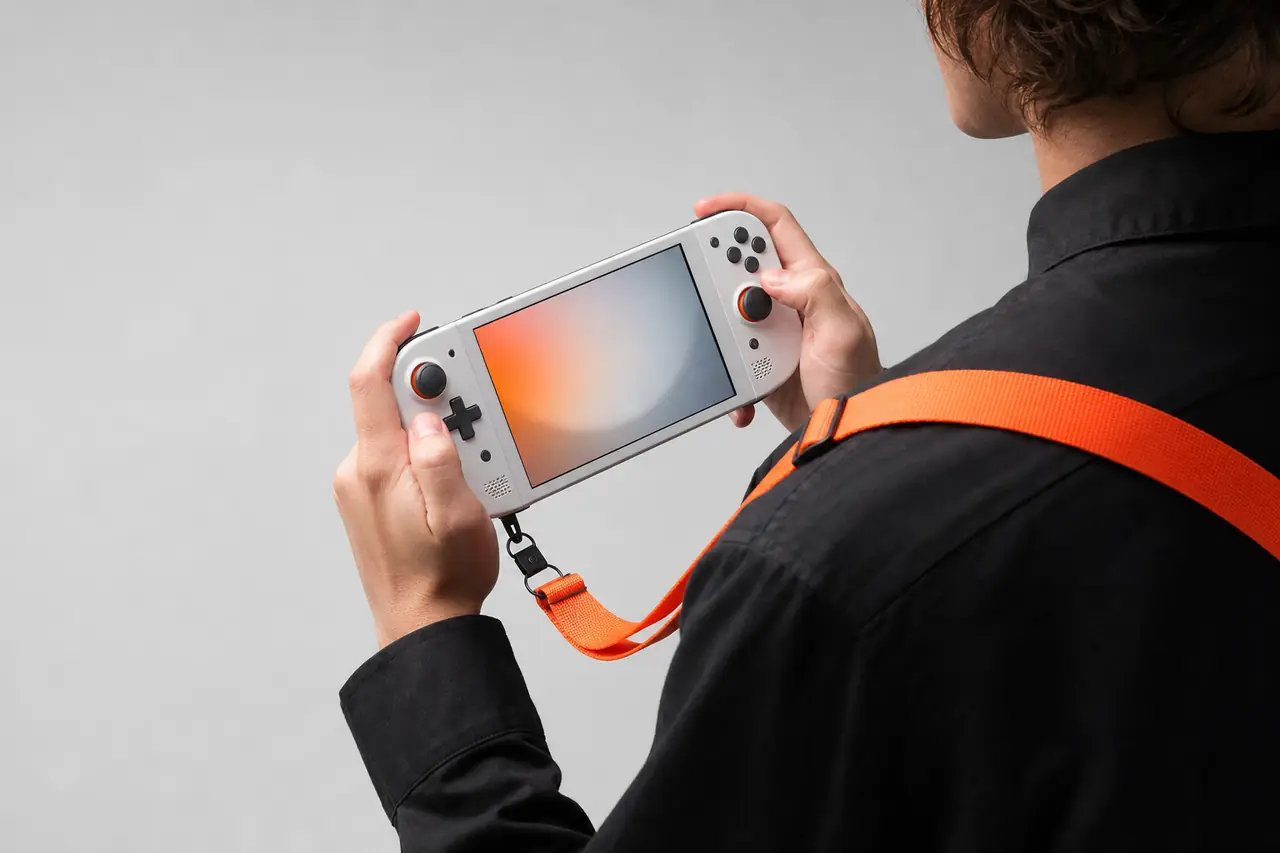
Hands holding a handheld gaming PC like an instrument, with an orange strap.

Popular game presets

What each game leans on, and where it usually runs out of room. Tap one to start your match with it.

  • Competitive shooter

    Valorant

    Leans on
    Frame rate and input speed over looks
    Aim for
    A frame rate at or above your display’s refresh rate
    Runs out of room
    Usually the CPU
  • Competitive shooter

    Counter-Strike 2

    Leans on
    Steady frame times when a round gets hectic
    Aim for
    High refresh, with 1% lows that stay close to the average
    Runs out of room
    CPU and memory speed
  • Battle royale

    Fortnite

    Leans on
    It runs on almost everything; frame rate is the upgrade
    Aim for
    120 fps on current consoles, more on a high-refresh PC
    Runs out of room
    Settings, before hardware
  • Open-world RPG

    Cyberpunk 2077

    Leans on
    The graphics card, and how well it upscales
    Aim for
    60 fps at your display’s resolution, with upscaling on
    Runs out of room
    Graphics card
  • Party RPG

    Baldur’s Gate 3

    Leans on
    The CPU, once the city gets crowded
    Aim for
    60 fps is plenty for turn-based fights
    Runs out of room
    CPU in busy scenes
  • Flight sim

    Microsoft Flight Simulator 2024

    Leans on
    CPU, memory and a steady internet connection
    Aim for
    Smooth beats high: a steady 30 to 60
    Runs out of room
    CPU and memory
  • Sim racing

    iRacing

    Leans on
    A frame rate that never dips, then the wheel and pedals
    Aim for
    Match your display and never drop below it
    Runs out of room
    Frame-time consistency, then controls
  • Sandbox

    Minecraft

    Leans on
    Almost anything runs it; mods and shaders change that
    Aim for
    60 fps; shaders ask for a lot more
    Runs out of room
    Rarely the hardware

Five honest answers

Two of them cost nothing, and buying is never the starting point.
Close-up of an aluminium knob with an orange indicator line.

Buys nothing

  • TUNE IT

    Change settings, drivers or placement. It costs nothing.

    Spend$0

  • KEEP IT

    Your setup already fits how you play. Keep your money.

    Spend$0

Buys something

  • UPGRADE ONE THING

    One part is holding you back. Replace that and nothing else.

    SpendOne purchase

  • BUILD A PATH

    Spread the upgrade over steps, in the order that pays off first.

    SpendPlanned over time

  • SWITCH PLATFORM

    Another platform fits how you play better than upgrading this one.

    SpendA different system

What is actually holding you back?

Start from the symptom. The cause is often cheaper than you think.
A tidy cable run held by orange ties along a light grey desk.
  • It stutters when things get busy

    Likely cause
    Often the CPU, memory or something running in the background, before it’s the graphics card.
    First move
    Watch CPU use while you play before you buy a graphics card.
    Usually lands on
    TUNE IT
  • The frame rate is low all the time

    Likely cause
    Usually the graphics card, or settings set higher than it can carry.
    First move
    Try upscaling and medium shadows first.
    Usually lands on
    TUNE IT
  • It looks blurry or soft

    Likely cause
    Render resolution, upscaling or display scaling that doesn’t match your screen.
    First move
    Match the game’s resolution to your display.
    Usually lands on
    TUNE IT
  • Your controls feel slow

    Likely cause
    Display processing, a wireless setup or uneven frame pacing.
    First move
    Turn on your display’s game mode and cap the frame rate.
    Usually lands on
    TUNE IT
  • Load times drag on

    Likely cause
    A hard drive doing a job an SSD should be doing.
    First move
    Move the game to an SSD. That’s the whole fix.
    Usually lands on
    UPGRADE ONE THING
  • It’s loud, or it runs hot

    Likely cause
    Dust, airflow or fan curves.
    First move
    Clean it before you replace it.
    Usually lands on
    TUNE IT

Not sure which one is yours? The panel up top narrows it down.

Match My Setup

When buying is the right move

We name the kind of thing that fixes it first. Prices come last.

Ordered by how much of your setup changes, smallest first. Never by price, and never by what we earn.

Studio headphones with an orange cable on light grey.
  • 1 TB NVMe SSD

    Best for
    Anyone still loading games from a hard drive
    Fits when
    Load times are the problem, not frame rate
    Price tier$
    See the Best Fit: 1 TB NVMe SSD
  • Mid-range graphics card

    Best for
    Desktop PCs where the graphics card is the limit
    Fits when
    GPU use sits near 100% and the CPU still has room
    Price tier$$
    See the Best Fit: Mid-range graphics card
  • High-refresh 1440p monitor

    Best for
    PC players whose frame rate already beats their screen
    Fits when
    Your PC runs well past 60 fps but your display tops out at 60 Hz
    Price tier$$
    See the Best Fit: High-refresh 1440p monitor
  • Direct-drive wheel base

    Best for
    Sim racers ready to move past a gear-driven wheel
    Fits when
    Your frame rate is steady and the wheel is now the limit
    Price tier$$
    See the Best Fit: Direct-drive wheel base
  • Handheld gaming PC

    Best for
    Players who game on the couch or the commute
    Fits when
    Your library is on PC and your free time isn’t at a desk
    Price tier$$ to $$$
    See the Best Fit: Handheld gaming PC
  • Standalone VR headset

    Best for
    Trying VR without buying a gaming PC first
    Fits when
    You want VR more than you want a faster PC
    Price tier$$
    See the Best Fit: Standalone VR headset

$ under $200, $$ $200 to $600, $$$ over $600. Live prices are checked at the offer step.

How the engine works

Action first, product second, price last.

  1. Tell us how you play

    Your games, what you play on, what feels wrong and what you’d spend.

  2. We choose the action

    Tune it, keep it, upgrade one thing, build a path or switch platform. Two of those cost nothing.

  3. We choose the kind of product

    If buying is right, we pick the class of thing that fixes it before we look at a single price.

  4. We compare offers

    Price, stock, condition, warranty and returns, with the time we checked them.

  5. You decide, then tell us if it worked

    We record whether the fix fixed it, and the rules get better for the next player.

Latest How You Game data

Original research on what players actually own, want and spend.

Real figures publish once enough players have shared their setups. These show the shape of what we’ll report.

Player Compute Cost

Sample data, not findings

What the hardware behind your gaming costs per year, kept separate from games and subscriptions.
  • 1080p at 60 fps$160 per year
  • 1440p at 144 fps$390 per year
  • 4K at 120 fps$870 per year

The first move we recommend

Sample data, not findings
  • TUNE IT41%
  • UPGRADE ONE THING24%
  • KEEP IT18%
  • BUILD A PATH11%
  • SWITCH PLATFORM6%

Planning an upgrade, by system age

Sample data, not findings
  • 12%Under 2 years
  • 31%2–4 years
  • 58%5+ years
Explore Player Intelligence
A small synthesizer next to a game controller on a light grey desk.

Save your setup

We’ll only email you when something worth buying changes for the games you play. No deal blasts.

Haven’t matched yet?Match My Setup

How we decide, and what we won’t do

Running on
Preview rules, version 0.1Updated October 2026
Read the methodology
  • Action before product

    We decide whether to tune, keep, upgrade, build a path or switch before any product enters the picture.

  • Product before price

    The kind of product is chosen before we see prices or partner terms.

  • Payout never ranks

    No list on this site is ordered by what we earn.

  • Every answer shows its work

    Each recommendation keeps its inputs, rule version, confidence, reasoning and timestamp.

  • Buy nothing is an answer

    When the fix is free, that’s what we tell you.

For studios and hardware makers

What are players actually using, wanting, upgrading and abandoning? Player Intelligence answers from permissioned, aggregated setups.

Explore Player Intelligence